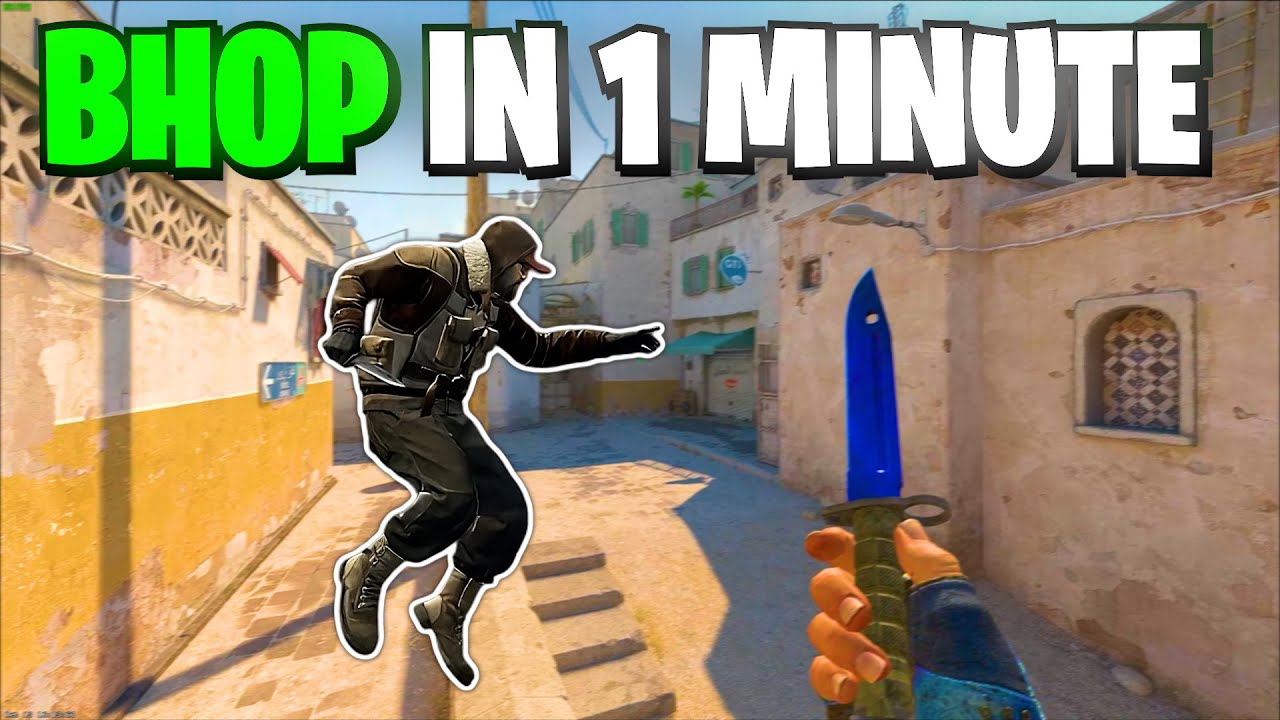
Mastering the art of bunny hopping, often referred to as bhop, is a highly sought-after skill in CS2 that can elevate your gameplay by improving movement efficiency and speed. Whether you’re new to bhopping or looking to refine your techniques, understanding the mechanics behind it is crucial. This guide will cover everything you need to know, from key bindings and practice maps to mastering movement and avoiding common mistakes. By the end, you’ll have the tools and knowledge to effectively bhop in CS2 and gain an edge over your opponents. Let’s get started!
Understanding Bunny Hopping in CS2
Bunny hopping, often referred to as “Bhop,” is a popular movement technique in CS2 that allows players to navigate maps faster and more efficiently. This advanced skill requires precise timing, practice, and mastery of in-game mechanics. By chaining consecutive jumps while maintaining speed, you can effectively outmaneuver opponents and gain a tactical edge.
The concept behind Bhop in CS2 is simple yet challenging to execute. As you jump forward, you synchronize your mouse movements with your strafing keys (A or D) to maintain momentum. Correct use of air-strafing ensures you don’t lose speed as you move. In essence:
- Jumping and strafing: Combine jumps with the corresponding strafe direction for continuous movement.
- Maintaining momentum: Avoid holding your forward key (W) while executing bunny hops.
- Precise timing: Timing your jumps perfectly is crucial to sustain speed.
Mastering this skill not only enhances your movement abilities but also adds a layer of unpredictability to your gameplay. Understanding the basics of Bhop in CS2 is the first step toward becoming a more agile and effective player.

Key Bindings and Configurations for Successful Bhop
Setting up the right key bindings and configurations is essential to effectively Bhop in CS2. These adjustments ensure smoother movements and better control during bunny hopping. Here are some key tips:
- Adjust Your Jump Bindings
The default jump key (spacebar) might not be ideal for consistent bhopping. Bind your jump action to the mouse wheel ( or ) for better precision and faster inputs. Use the following console commands:mwheelupmwheeldown-
bind mwheelup +jump -
bind mwheeldown +jump
-
- Optimize Your Sensitivity
Finding the right mouse sensitivity is crucial. A lower sensitivity generally offers more control, while a higher sensitivity allows quicker directional changes. Experiment to find what suits your style. - Enable Developer Console
Activate the developer console to input helpful bhop commands. Ensure “Enable Developer Console (~)” is turned on in the game settings.
Proper tuning allows you to focus on timing and movement, which are critical to mastering bhopping. Taking the time to personalize your settings will make a noticeable difference as you practice and grow more skilled at bhop in CS2.
Mastering Movement and Timing Techniques
To effectively Bhop in CS2, mastering movement and precise timing are crucial. Bunny hopping relies on smooth transitions and consistent rhythm, allowing you to maintain momentum without slowing down. Here are some essential techniques to help you improve:
- Strafing: While bunny hopping, use the A (left) and D (right) keys in conjunction with your mouse movements. If moving left, turn your mouse slightly left; if moving right, turn it slightly right. This combination enhances your speed and fluidity.
- Jump Timing: Press the jump key (default is Spacebar) just as you hit the ground. Mistimed jumps can cause a loss of momentum, which breaks the hop.
- Mouse Control: Maintaining smooth and controlled mouse movements is critical. Jerky movements disrupt your strafing and hinder momentum.
Practice these techniques gradually to build consistency. Over time, you’ll notice smoother transitions and improved control while attempting to Bhop in CS2. Perfecting timing and movement may take time, but dedication ensures noticeable improvement. Stay persistent—it’s the key to mastering bunny hopping!
Practicing on Bunny Hop Maps and Servers
To effectively master Bhop in CS2, dedicating time to practice on dedicated bunny hop maps and servers is essential. These specifically designed playgrounds offer an ideal environment to hone your skills without distractions from competitive gameplay.
Here are some benefits of practicing on such maps and servers:
- Controlled Environment: These maps are created to focus solely on movement mechanics.
- Challenging Obstacles: They provide various levels of difficulty to gradually improve your bunny hopping consistency.
- Skill Progression: You can track your improvement as you tackle increasingly challenging tasks.
How to find maps and servers:
- Use the CS2 Workshop to browse and download popular bunny hop maps like “Bhop_” series.
- Join community servers with “Bhop” modes, often featuring competitive timers and leaderboards to simulate high-pressure situations.
Practicing on these specialized maps allows you to focus entirely on movement techniques without worrying about other elements. Over time, consistent practice in such environments can noticeably enhance your ability to execute a seamless Bhop in CS2 during regular gameplay.
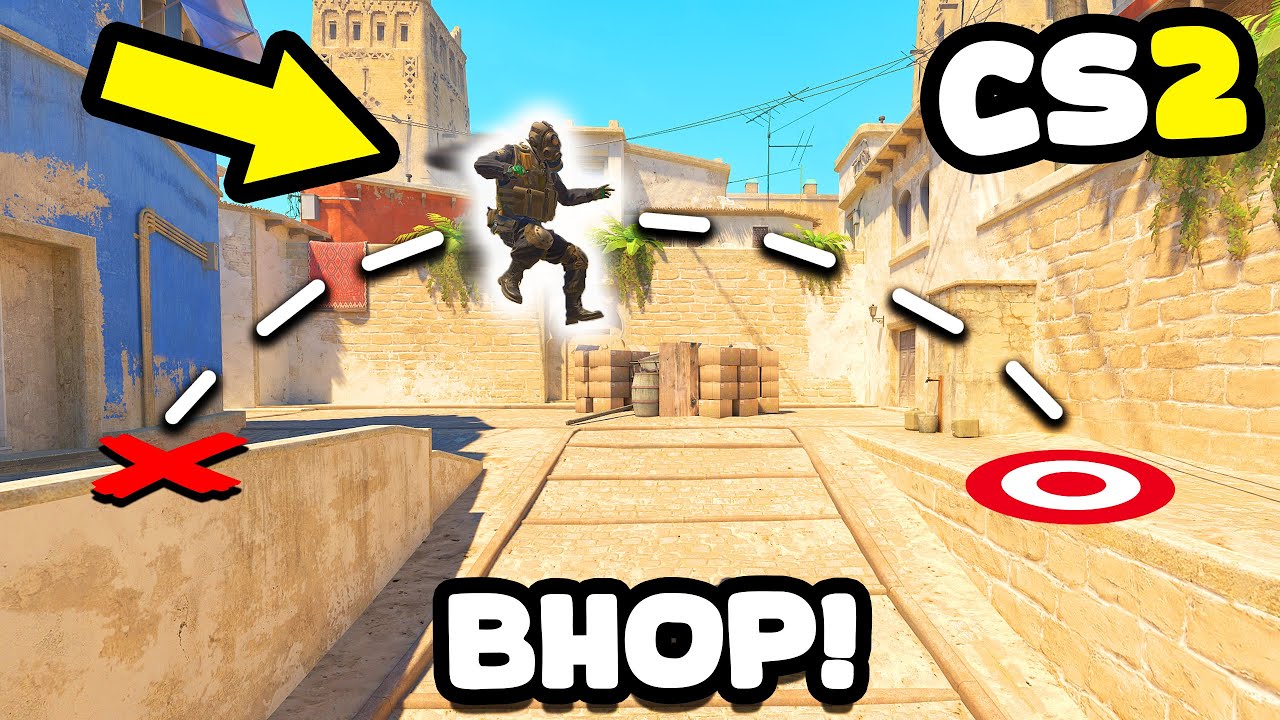
Common Mistakes and How to Avoid Them
When attempting to master the art of bhop in CS2, players often stumble upon a few common mistakes. Recognizing these issues and avoiding them can significantly improve your bunny hopping skills.
Frequent Mistakes:
- Incorrect Key Timing: Failing to synchronize your jumping and strafing movements can break the momentum needed for a proper bhop.
- Holding the Forward Key (W): Many players mistakenly keep pressing “W” while bhopping, slowing their movement. Instead, rely on strafe keys (A/D) combined with precise mouse movements.
- Inconsistent Mouse Movements: Jerky or inconsistent mouse movement results in inefficient strafes, reducing speed.
- Skipping Practice: Jumping into competitive games without practicing bhop on dedicated maps limits skill growth.
- Overuse of Auto-jump Scripts: While scripts seem convenient, they hinder the development of true skill and adaptability.
How to Avoid Them:
- Focus on mastering timing through regular practice.
- Always release “W” after your initial jump and use only side-strafe keys.
- Practice smooth, controlled mouse movements to perfect your strafing.
- Utilize bunny hop servers or maps to refine techniques in a stress-free environment.
- Learn manual techniques instead of relying on external scripts.
Avoiding these mistakes will set you on the right path to mastering bhop in CS2 effectively.
Tips to Improve Your Bunny Hopping Skills
Improving your Bhop in CS2 requires time, dedication, and the right strategies. To help you achieve smoother and more effective bunny hops, consider these tips:
- Perfect your timing: Focus on syncing your jumps and strafes seamlessly. Jump as soon as you land to maintain momentum.
- Practice precision strafes: Strafe smoothly from left to right while aligning your mouse movement. Avoid sharp turns, as they hinder your speed.
- Master your key bindings: Optimize your jump key (spacebar or mouse wheel) and movement keys for better control.
- Limit distractions: Reduce audio or visual distractions when practicing to sharpen your concentration.
- Use Bhop maps: Custom maps specifically designed for bunny hopping provide ideal environments to refine your technique.
- Review your gameplay: Record your sessions and analyze mistakes to fine-tune your skills.
Lastly, stay patient and consistent. Advanced Bhop in CS2 might take time, but practice will undoubtedly yield improvement. Keep experimenting with techniques until you establish your rhythm!
Frequently Asked Questions
What is bhopping in CS2?
Bhop, short for bunny hopping, is a movement technique in Counter-Strike 2 (CS2) that allows players to move faster than normal by chaining consecutive jumps while maintaining speed. It is a skill-based mechanic that relies on precise timing, movement, and strafing to achieve smooth and efficient motion.
Why should I learn to bunny hop in CS2?
Learning to bunny hop in CS2 can enhance your gameplay by allowing you to move faster across maps, evade enemies, and traverse obstacles efficiently. It can also add an unexpected element to your movement, making it harder for opponents to predict your actions and aim accurately. This skill is particularly useful in high-pressure situations or when avoiding enemy fire.
What are the key mechanics of bunny hopping?
The key mechanics of bunny hopping involve three main elements: precise timing, strafing, and perfect synchronization of your movements. Timing refers to jumping as soon as you hit the ground without losing speed. Strafing entails moving the mouse in the same direction as the ‘A’ or ‘D’ keys while jumping to steer your movement. Synchronizing these actions ensures continuous momentum during the bhop.
Can you bhop in CS2 without using scripts or macros?
Yes, you can bhop in CS2 without using any scripts or macros, though it requires practice to master. The developers have made bhopping possible through manual execution of timing and movement skills. Using scripts or macros can be against the game’s rules or terms of service and might result in penalties. Dedicated practice is key to becoming proficient at bunny hopping manually.
For a second look at cash market prices, open CS2 market guides on CSOffer me. Skin.Trade stays the place to buy CS2 skins or sell CS2 skins.